

Keyline
Per-object outlines, highlights and X-Ray for URP and HDRP, 3D and 2D — without touching your materials
$34.99
One click turns your URP or HDRP game into any retro era — 1-bit, 8-bit, 16-bit, PS1, N64, VHS. Press Make it Retro in Retro Studio, pick an era, and the scene in front of you is that era.
It is not a pixelate filter. Pixel Eras renders your scene at a true low resolution, reduces it to real hardware palettes with ordered dithering, adds one-pixel outlines and shows it on a CRT, a VHS tape or a handheld LCD — while your UI stays sharp. In URP the scene itself renders at the game's resolution, so the retro look often costs less than no effect at all.
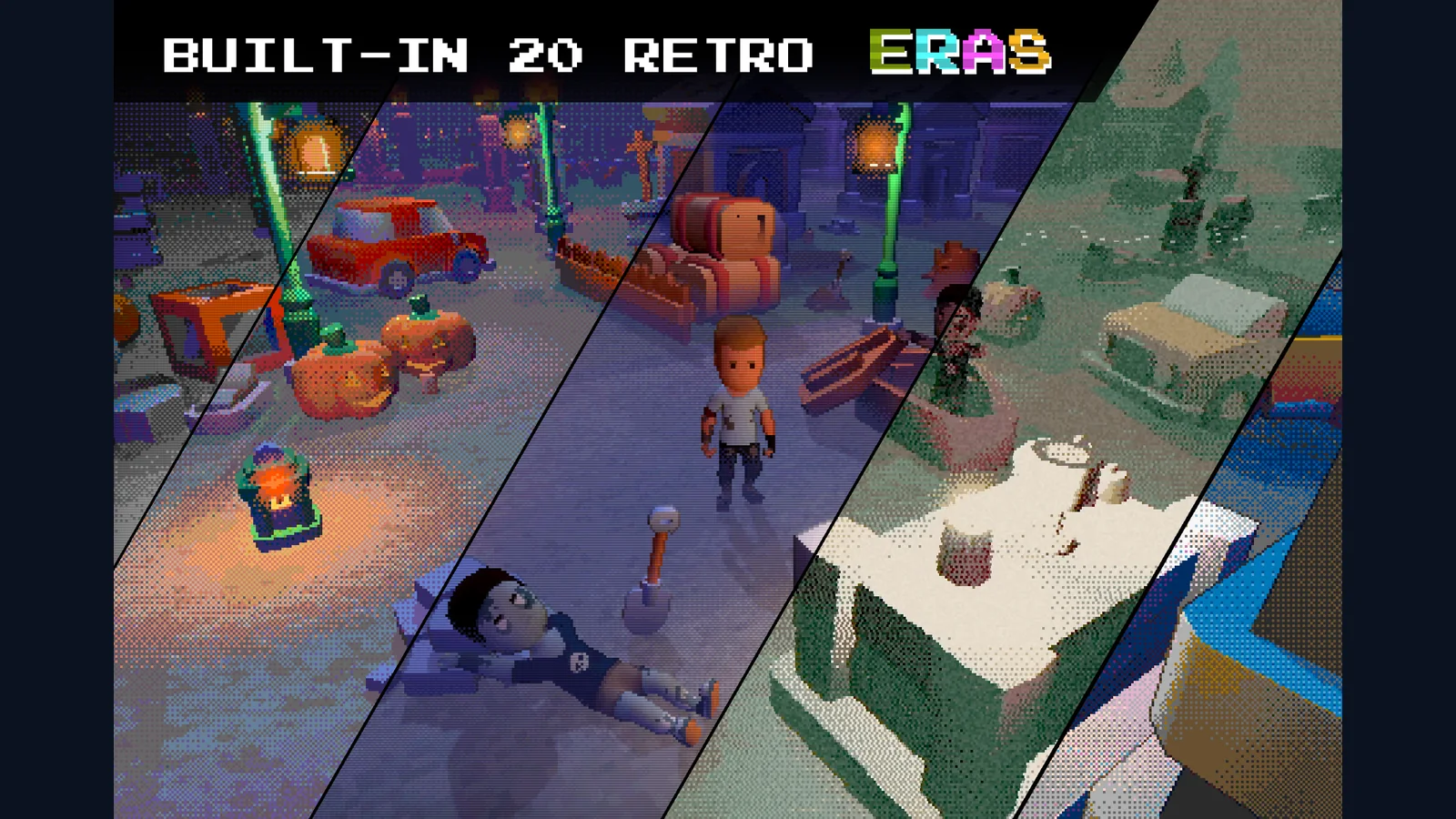
Twenty eras ship ready to use: 1-bit computers, 4-shade handhelds, CGA, EGA and VGA PCs, 8-bit and 16-bit consoles, PS1, N64, an arcade CRT, a haunted VHS tape and HD pixel art. Switch them at runtime or crossfade between them from one line of code — a flashback, a dream sequence, a retro mode in the options menu.
Pixels hold still. The Smooth Pixel Camera keeps every pixel stable on orthographic cameras and holds turning and moving still on perspective ones, so a low-resolution picture does not shimmer as the camera follows the player. Stable Dither does the same for the dither pattern.
The look goes past post-processing. Retro Lit, Unlit and Terrain shaders for URP and HDRP add vertex snapping, affine textures, three-point (N64) filtering and flat light bands; a one-click converter turns URP, HDRP and Built-in materials into them. Pixel Eras Light adds flicker, candle, torch, fluorescent and strobe patterns, flat light rings and pixel halos, and Animators, objects and particles can move in whole frames, the way sprites did.
Make it yours. Create your own style from any era and tune every setting in Retro Studio, live in the Game view: resolution, palette, colour depth, dither, pixel edges, fog, CRT, VHS, composite video and LCD. Doctor checks the project and fixes what would spoil the picture in one click, and a check before every build catches what would make the player look different from the Editor.
One package serves URP and HDRP on Unity 6: Render Graph, the Universal and 2D Renderer, Forward, Forward+ and Deferred. On import it detects the installed pipeline and compiles only its code and shader passes.
| Eras | 20, from 1-bit to 128-bit |
| Palettes | 40 · import .hex / .gpl / .pal or an image |
| Effect stages | 11 — resolution, grade, colour depth, palette, dither, edges, fog, CRT, VHS, composite, LCD |
| Shaders | 9 + 1 Shader Graph, 7 Shader Graph sub graphs · full HLSL source |
| Components | 5 + 1 Volume override |
| Light patterns | 8 |
| Render pipelines | URP 17+ and HDRP 17+ — one package |
| URP renderers | Universal (Forward, Forward+, Deferred) and 2D · Render Graph and Compatibility Mode |
| Colour space | Linear and Gamma |
| Allocation | 0 bytes per frame from Pixel Eras |
| Demo | 1 playable scene, URP and HDRP |
| Documentation | offline HTML, quick start and manual |
I'll help with setup and integration. Updates are free for buyers.
Contact support